Is it really free?
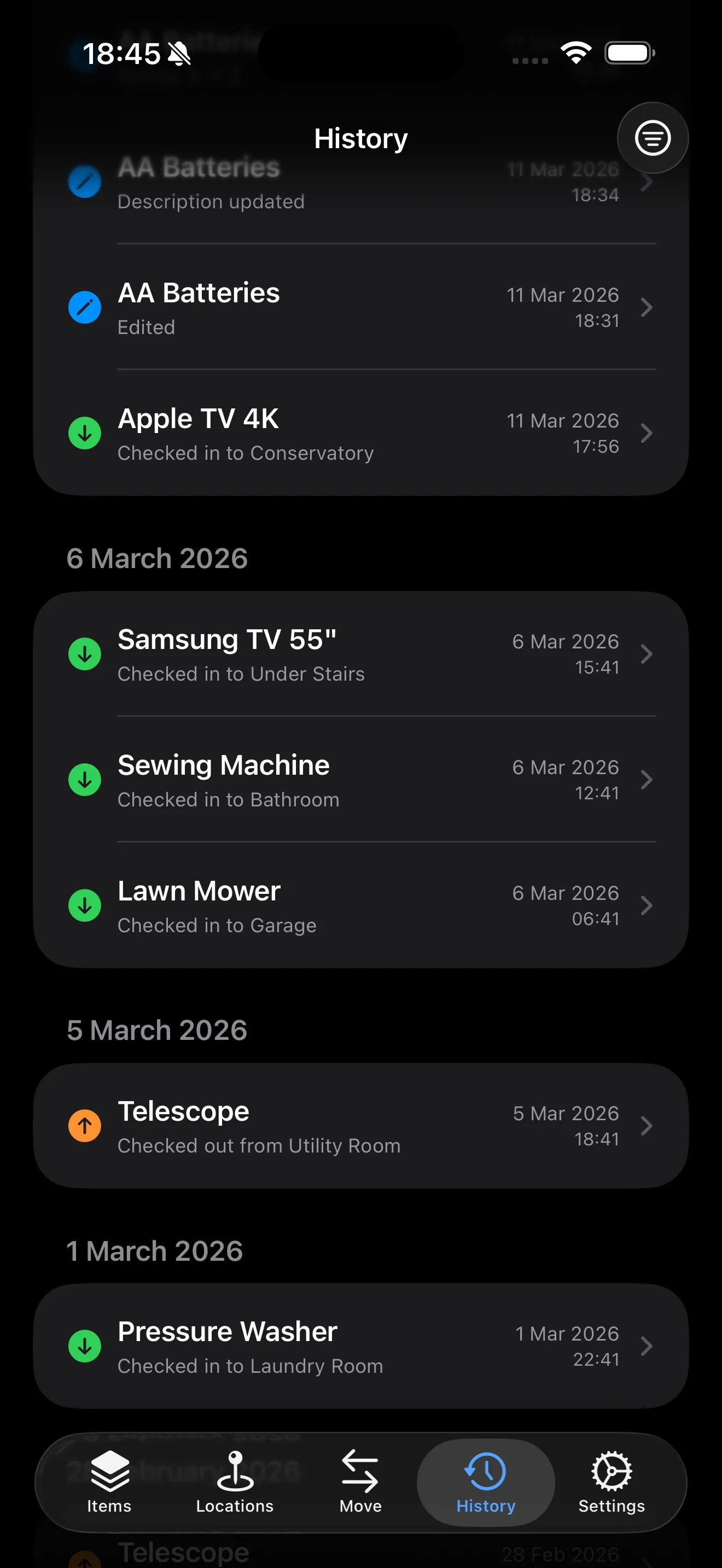
Yes. The free version has unlimited items, NFC, QR and barcode support, photos, and CSV import/export. No account needed. Paid plans unlock extra features but the free version does everything most people need.
How does AI scanning work?
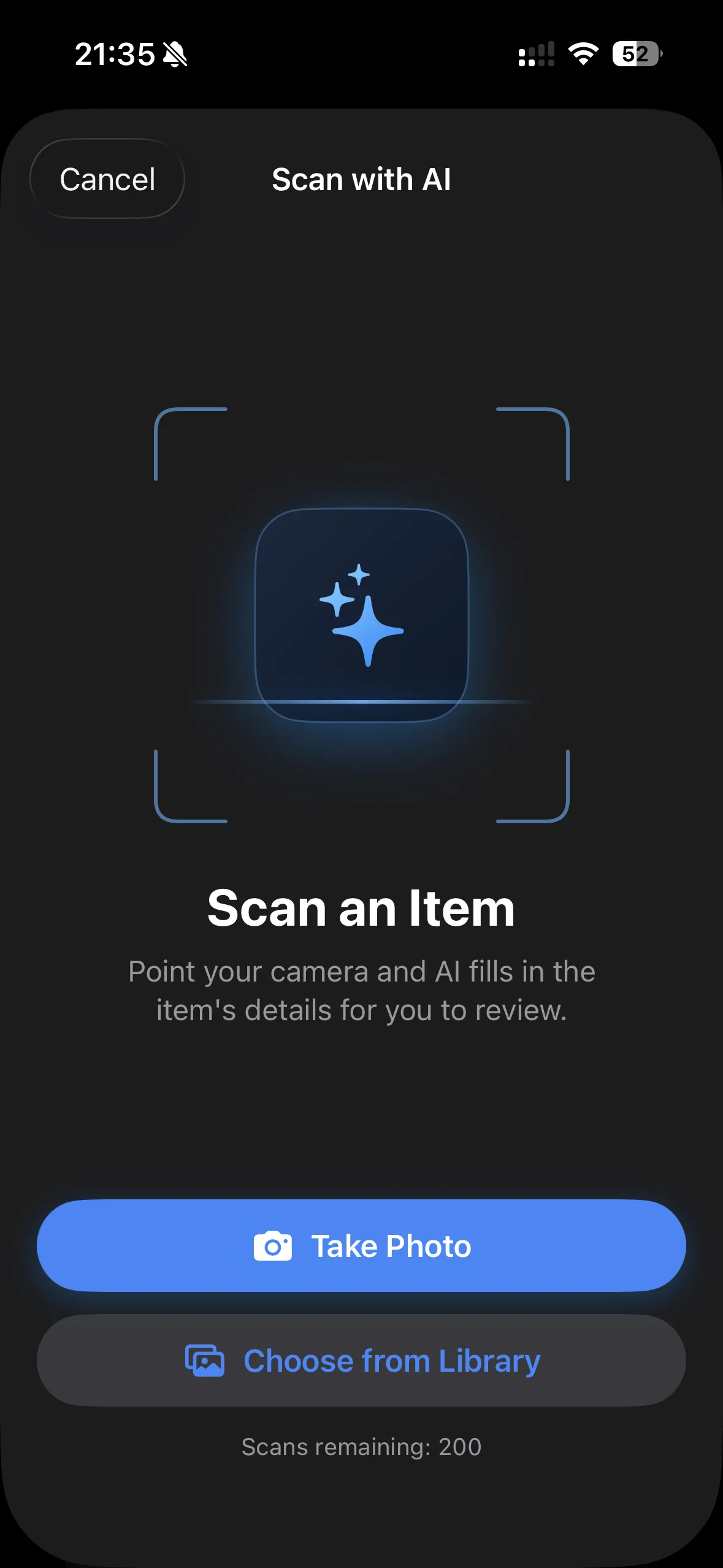
Point your camera at an item (or pick a photo) and additem.to suggests the name, brand, model, category, and your custom fields - you review everything before it saves. You can also re-scan an item you already have to fill in details you skipped. Photograph a receipt instead and it reads the shop, the total and the purchase date, and fills them onto the item; if the receipt lists several things you pick which line is yours. Receipts are spotted automatically, so you don't have to tell the app what it's looking at. It's opt-in per scan and needs a free account, because the photo is sent to OpenAI for analysis (it isn't used to train their models). Everyone gets 5 free scans; Pro plans include more each month.
Does it work without internet?
Fully. Your data lives on your phone. No internet required to add items, scan tags, or run a stocktake. Cloud sync is optional and only available on Pro Cloud.
Do I need an account?
No, not for the core app - download and use it without signing up. A free account is only needed for AI scanning, cloud sync across devices, or the web app.
Does it sync through iCloud?
No. Items sync through your additem.to account with Pro Cloud. Sign in with the same account on each device and they stay in sync. iCloud Backup still includes the app's data in your normal device backup, like any other app, but a backup does not move items between devices.
Does it work on Android?
additem.to is an iPhone and iPad app (iOS 17.6+). An Android app is in development. In the meantime, Pro Cloud subscribers can use the web app at app.additem.to from any browser, including Android devices.
What are NFC tags?
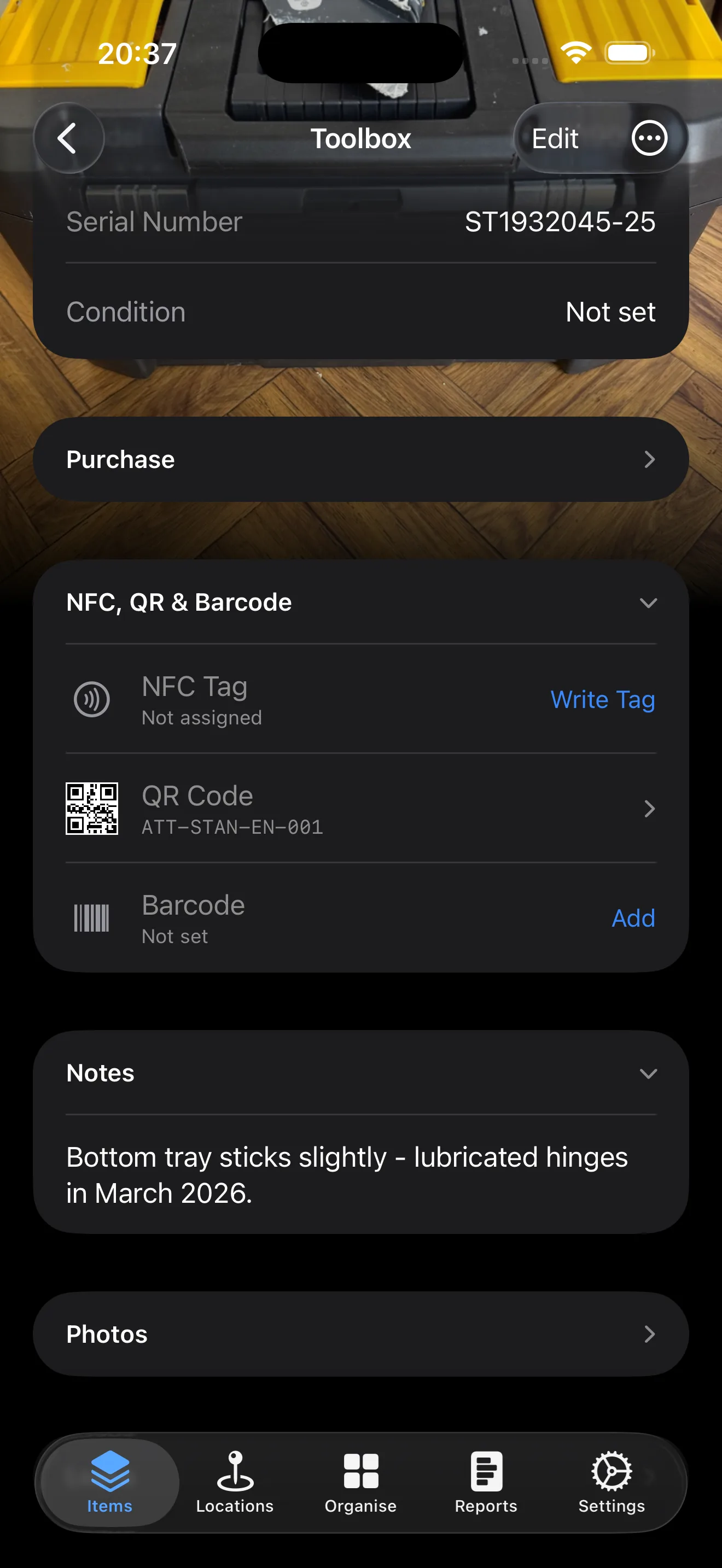
Small stickers you stick to shelves or boxes. Tap your iPhone on one and the app instantly shows what's stored there. Turn on Tap to Open and a tap opens the item even when the app is closed. About £8-£15 for a pack of 10-20 on Amazon. QR stickers work the same way using your camera.
What is Pro Cloud?
Pro Cloud (£4.99/month) adds cloud sync, backup, web access at app.additem.to, and inventory sharing with up to 5 people. Subscribing online at app.additem.to includes a 7-day free trial - no card needed, just sign in with Apple or Google. Pro Local (£9.99/year) is cheaper and adds unlimited inventories, custom fields, and item templates but keeps everything on your phone.
Can I share with others?
Yes, with Pro Cloud. Share inventories with other people using invite codes. You choose whether they can view only, edit, or manage.
What happens if I cancel?
Your items stay on your phone. If you cancel Pro Cloud, sync and web access stop, and we keep the cloud copy for 30 days, then delete it. If you only use the web app, export a CSV before your plan ends.
Can I import a spreadsheet?
Yes. Import items from a CSV file and map your columns to the app's fields. You can export everything to CSV too.
Can I access from a computer?
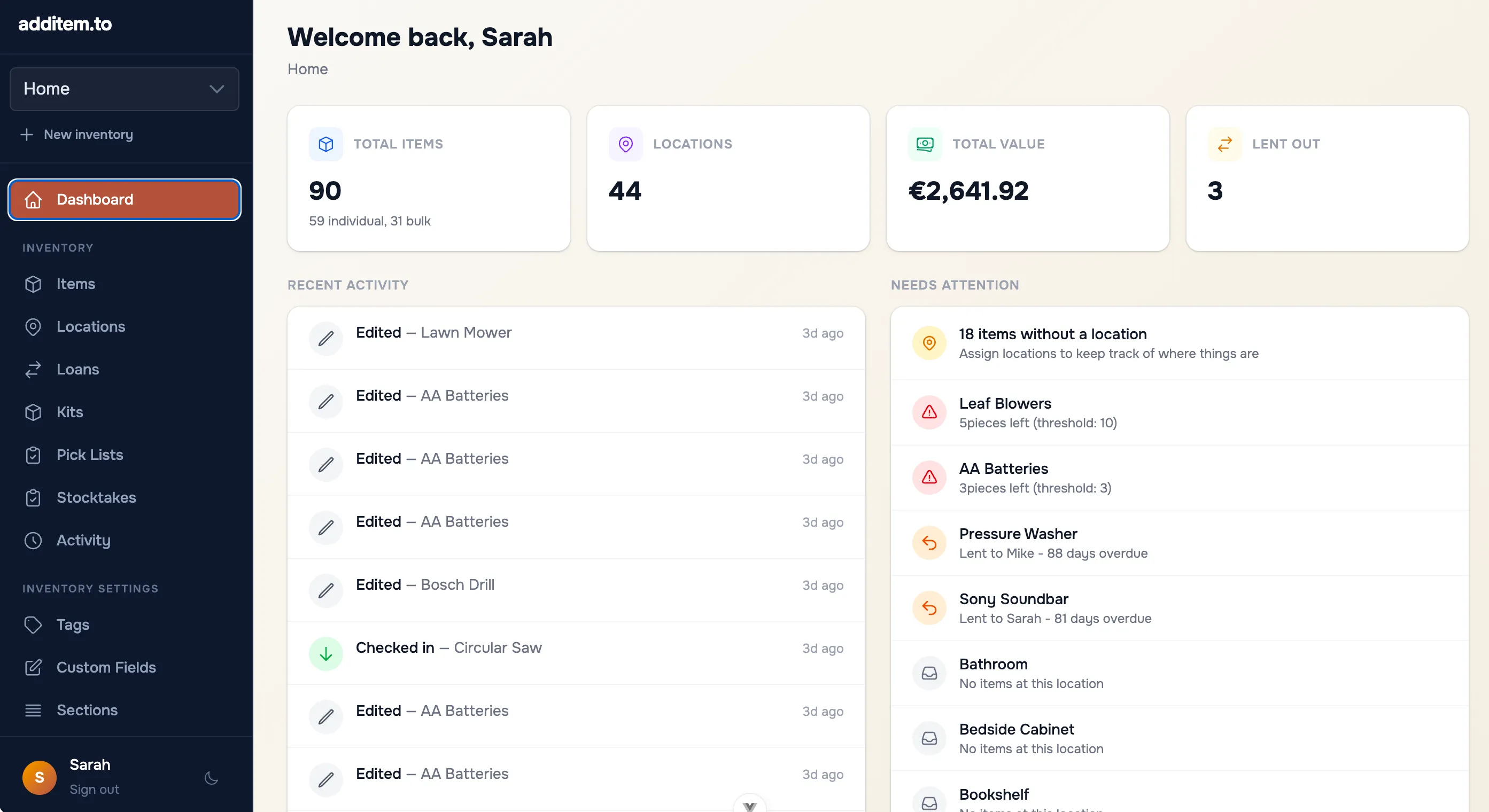
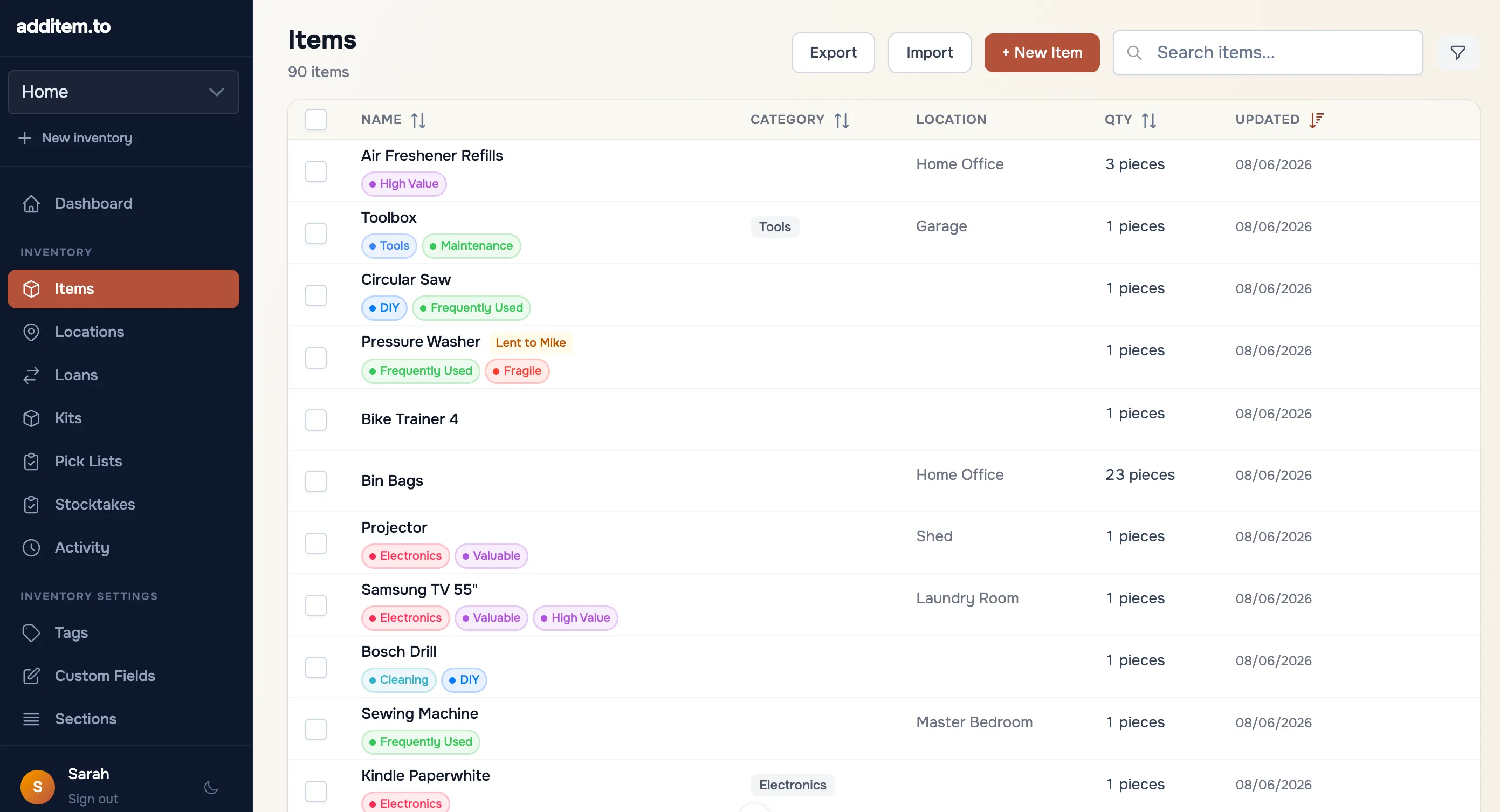
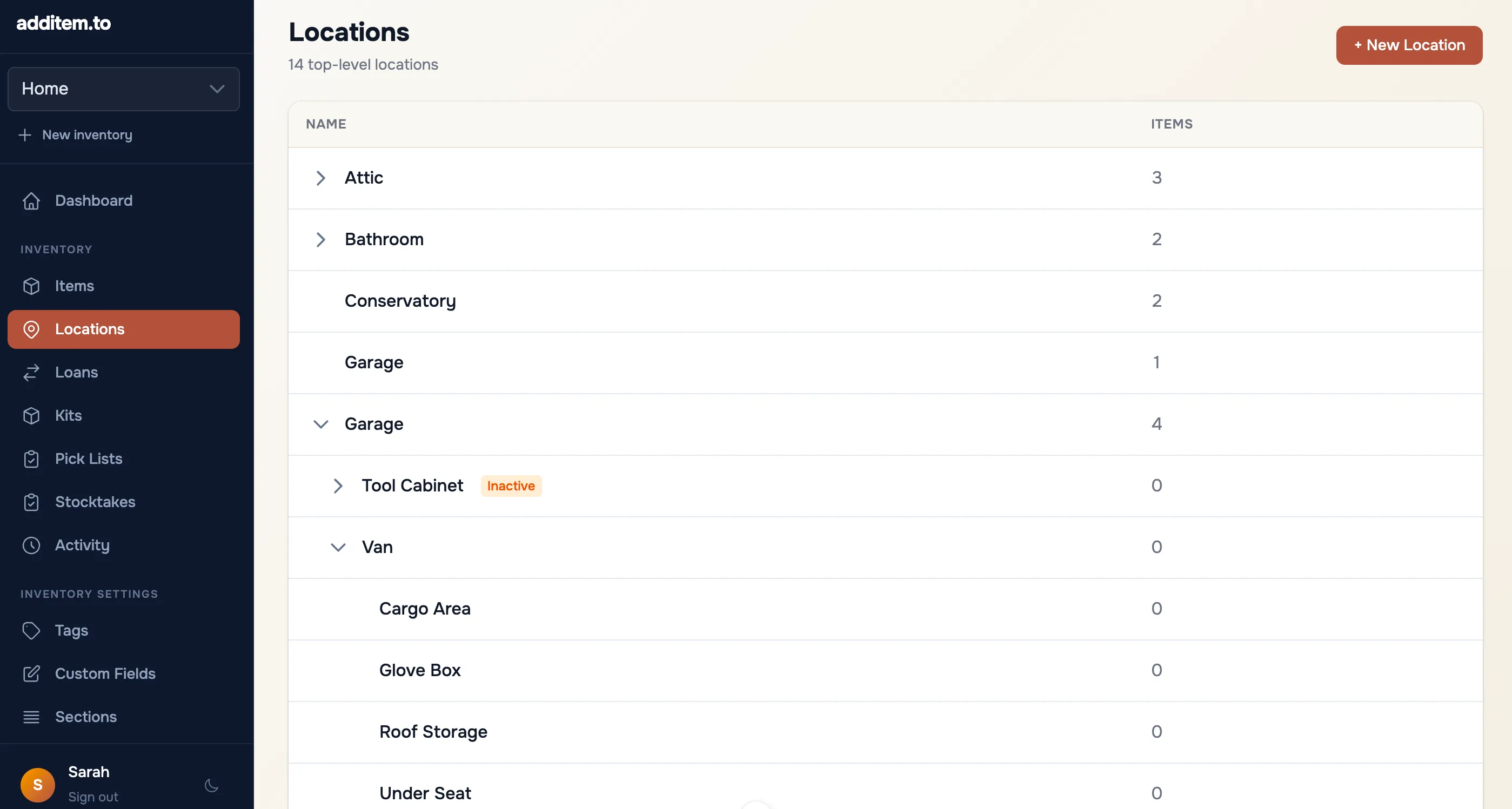
Yes with Pro Cloud. The full web app at app.additem.to works in any browser - browse items, manage locations, import/export, and more.
What are item templates?
Templates let you pre-fill fields when adding a new item. Create a "Camera" template and it can set the default category, show the serial number and model fields, and hide fields you don't need. Pick a template when you tap the + button and the form is ready to go. Free includes 2 templates, and Pro plans have unlimited. You'll find them in Organise › Templates.
Is there a free trial for Pro Cloud?
Yes. Pro Cloud comes with a 7-day free trial when you subscribe online at app.additem.to - no card needed, just sign in with Apple or Google. No trial is available through the App Store in-app purchase. Cancel any time during the trial and you won't be charged. The trial includes 10 AI scans. The 200 a month starts when you pay.
 Scan with your iPhone